Songology › A music game to play over FaceTime
A music game to play over FaceTime
Family in another town, friends in another country? Songology lets everyone on a FaceTime call play the same music game together, each on their own iPhone.
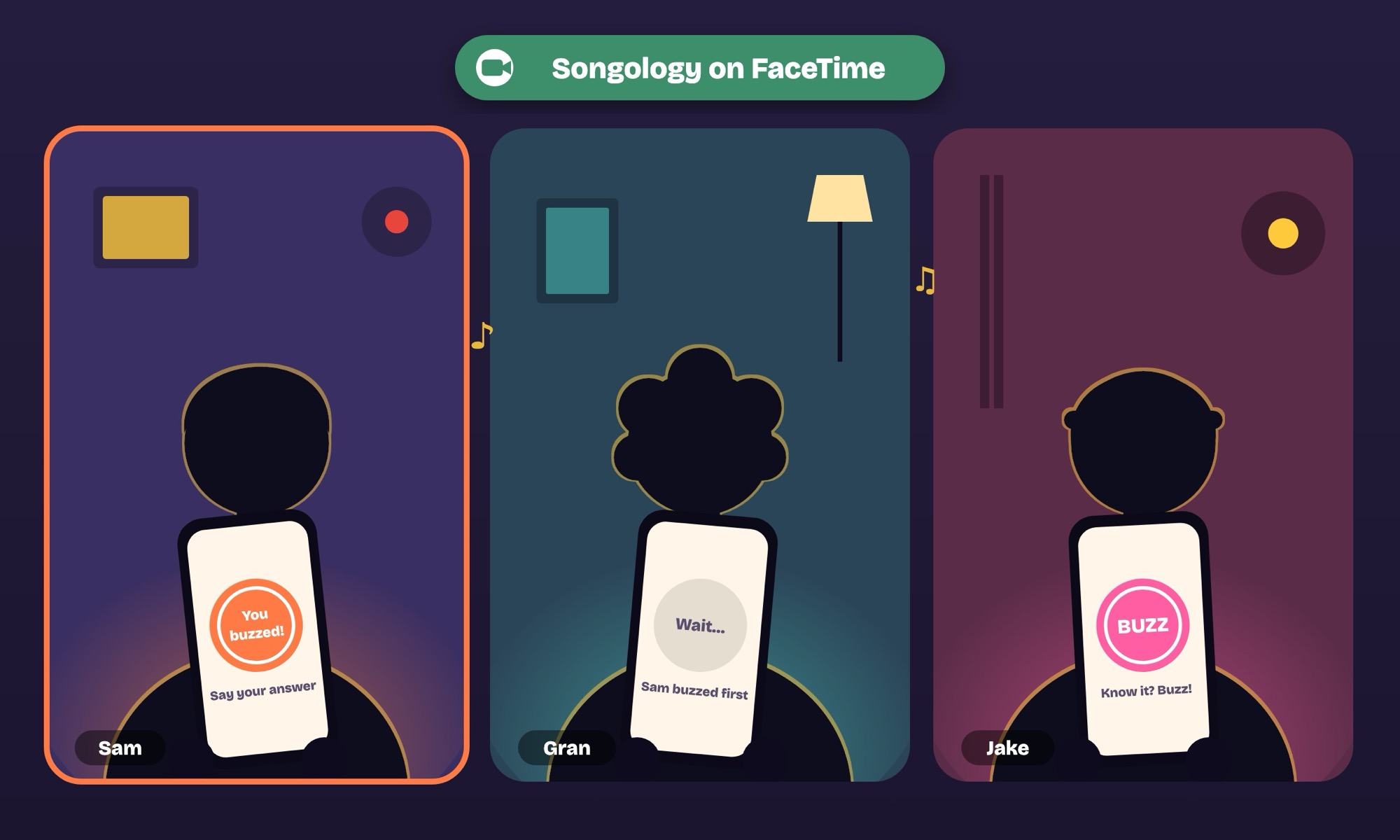
Sam buzzed first. Gran has to wait.
How it works
- Everyone gets Songology on their iPhone. It's free; only the person hosting needs Songology Unlimited for the extra songs.
- Start a FaceTime call with everyone who's playing.
- The host opens Songology, sets up a game and taps Play over FaceTime.
- Everyone else gets asked to join. They type their name and they're in, with their own timeline on their phone.
- Each phone plays the song at the same moment, so nobody's straining to hear it over the call.
- Buzz in when you know it. The music stops, you say your answer on the call, and the host taps Right or Wrong.
Why it works so well
- Everyone hears the song clearly. Music sounds terrible through a video call; here every phone plays it itself.
- Buzzers settle who was first. No arguing over lag on the call.
- You still see each other's faces. The groans at a wrong answer are half the fun.
- Works for all ages. Grandparents know the 1960s, kids know last year's hits.
Ideas
- A Sunday call with the grandparents.
- Christmas with the family who can't make it home. See Christmas party games.
- A remote team social: shorter than a quiz, louder than a quiz.
- Birthday calls with friends who've moved away.
Questions
Can you play a music game over FaceTime?
Yes. In Songology, start a FaceTime call, then tap Play over FaceTime. Everyone on the call joins on their own iPhone, each phone plays the song, and players buzz in to answer.
Does everyone need to buy the app?
No. Songology is free. Only the host needs Songology Unlimited for the full song library and the Christmas pack; everyone who joins plays free.
Does it work with Android?
Not yet. Play over FaceTime needs iPhones (iOS 17 or later) with Songology.
Do people hear full songs?
Each phone plays the song itself: in full for Apple Music members, as a 30-second preview for everyone else.
Get Songology on the App Store