Songology › Play Songology on your TV
Play Songology on your TV
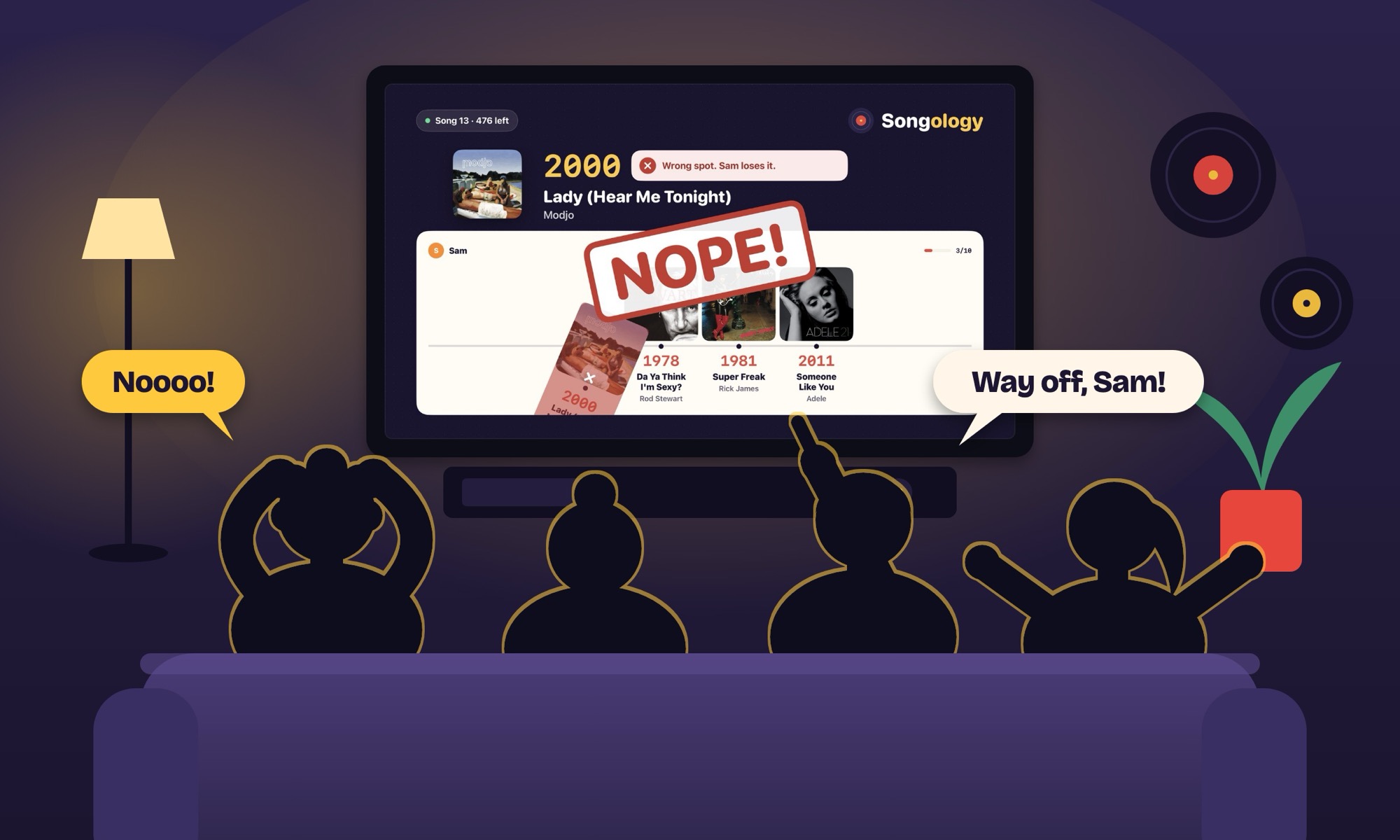
Songology is best on the big screen. Show it on your TV and the whole room plays: a race-to-the-finish scoreboard, a burst of colour when someone names the song, the timeline up big while everyone argues about the year, then confetti or a sad trombone.
Show Songology on your TV with AirPlay
- Make sure the DJ's iPhone and your Apple TV or AirPlay TV are on the same Wi-Fi.
- On the iPhone, open Control Center (swipe down from the top-right corner).
- Tap Screen Mirroring and choose your TV.
- Open Songology. The TV shows its own big-screen game, not a copy of your phone, so the DJ can peek at the answer without the room seeing.
Many TVs from Samsung, LG, Sony, Vizio and others have AirPlay built in, as well as Apple TV.
No AirPlay? Use a cable
An Apple Lightning or USB-C to HDMI adapter connects the iPhone straight to the TV's HDMI port. Songology shows the same big-screen game.
Music on a speaker, game on the TV
Start Screen Mirroring to your TV first, then tap the speaker button in Songology and choose your Bluetooth or AirPlay speaker. The picture stays on the TV and the music plays on the speaker.
What the TV shows
- The race: everyone's songs as a race to 3, 5 or 10.
- "Sam got it!": a burst of colour when someone names the song.
- Final answer? The player's timeline up big, with numbered spots, while the room argues.
- The reveal: confetti for the right spot, a big NOPE! and a sad trombone for the wrong one.
- The winner: a trophy, confetti and We Are the Champions.
Questions
How do I play Songology on my TV?
On the DJ's iPhone, open Control Center, tap Screen Mirroring and choose your Apple TV or AirPlay TV. Songology shows its own big-screen game on the TV.
Does Songology work with Chromecast?
Not at the moment. Songology uses AirPlay, or an HDMI adapter from the iPhone to the TV.
Can the music play on a speaker instead of the TV?
Yes. Start Screen Mirroring first, then tap the speaker button in Songology and choose your Bluetooth or AirPlay speaker.
Why doesn't the TV show my phone screen?
On purpose: the TV shows a game screen for the room, so the DJ can see the answer on their phone without giving it away.
Get Songology on the App Store